AI Hackers Are Here: 7 Simple Ways to Protect Yourself
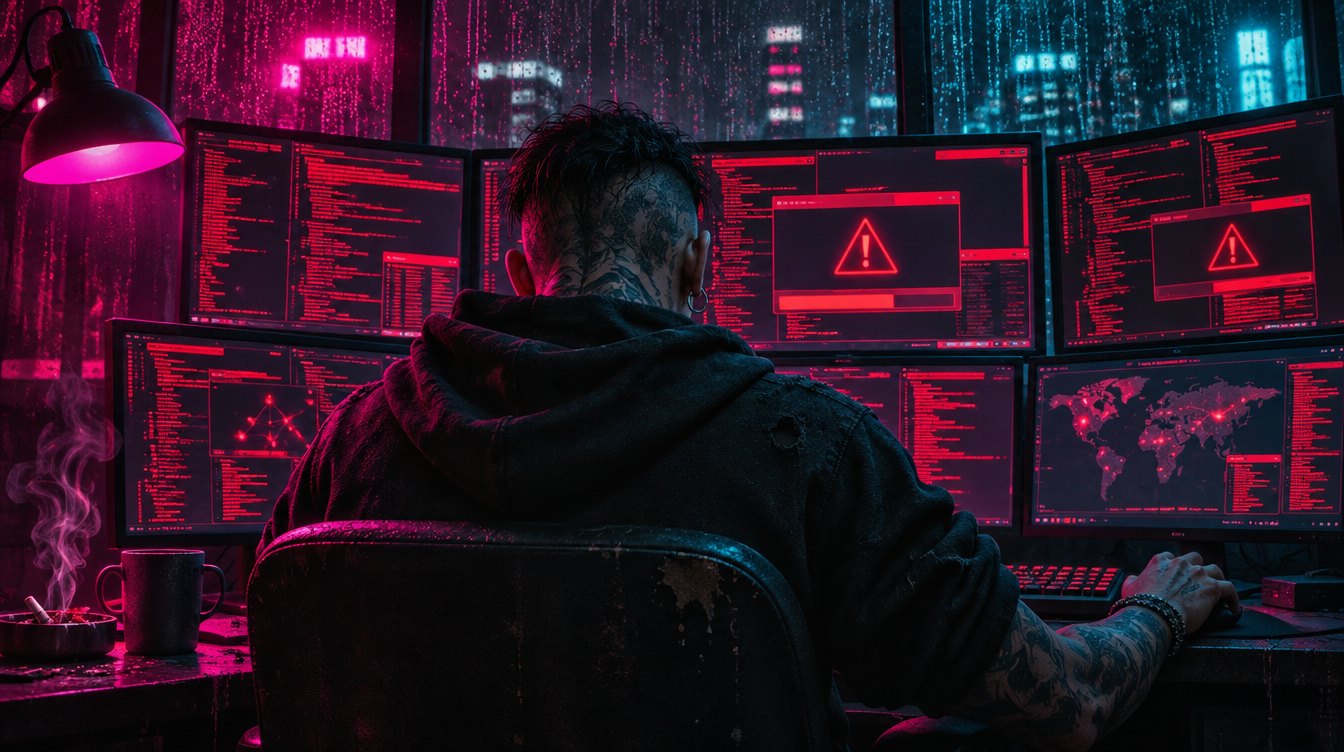
Researchers have now watched an AI agent run a ransomware attack from start to finish with no human at the keyboard. You do not need to be a security expert to stay safe. You need seven habits.

Admin
Author
✨ You might also like
Digital Detox: 30-Day Reset Program
A structured 30-day program to reclaim your attention, rebuild focus, and create a healthier relationship with technology.
Deep Work System: The Setup Guide
The complete productivity OS for creators and knowledge workers. Task management, project tracking, weekly reviews, and habit tracking in one place.
🤖 The Hacker Does Not Sleep Anymore
For most of internet history, a cyberattack needed a person. Someone had to scan for weak servers, try passwords, read error messages, decide what to do next. That human effort was a natural limit on how many attacks could happen.
That limit is disappearing.
In mid-2026, researchers at the security company Sysdig published an analysis of what they believe is the first ransomware operation run end to end by an autonomous AI agent. The agent found an exposed server running a popular AI app-building tool, broke in, explored the network, recovered on its own when a step failed and moved toward a ransom demand, with no human typing commands. Other security firms, such as SOCRadar, have described criminal groups using AI "red team" frameworks where a person sets the goal and AI agents carry out most of the steps.
You do not need to panic. But you do need to understand one shift: attacks are getting cheaper, faster and more personal. The good news is that the defences that work best are still simple, boring and free.
🧭 What Changes When Hackers Use AI
Three things get worse:
- Volume. An AI agent can try thousands of targets while you sleep. Old, unpatched devices and reused passwords get found faster.
- Personalisation. Scam messages used to be full of typos. Now an AI can write a fluent email in your language, mention your employer, your city or your last online order, and sound exactly like a real company.
- Voices and faces. Cloned voices are already used in "it's me, I'm in trouble, send money" calls. We covered this in detail in our guide to AI voice scams and how to verify a caller.
What does not change: attackers still mostly get in through the same doors. Reused passwords, missing two-factor authentication, old software and people who are rushed into clicking. Close those doors and you are already ahead of most targets.
🔐 1. Lock Down Your Email First
Your email account is the master key. Almost every other account, from your bank to your social media, lets you reset the password by email. If someone controls your inbox, they can control everything.
Do this today:
- Turn on passkeys if your email provider offers them. Passkeys replace the password with your phone or laptop's fingerprint or face unlock, and they cannot be phished by a fake login page.
- If passkeys are not available, turn on two-factor authentication with an authenticator app, not SMS if you can avoid it. Text-message codes can be stolen by swapping your SIM card.
- Check the account's recovery email and phone number. Make sure they are still yours.
- Look at active sessions or "devices signed in" and remove anything you do not recognise.
🗝️ 2. Stop Reusing Passwords (Use a Manager)
When a website gets breached, attackers take the leaked email and password pairs and try them everywhere else. AI makes this "credential stuffing" faster than ever. If you use the same password in two places, one breach opens both.
The fix is a password manager. It creates a long random password for every site and remembers them for you. You only remember one strong master password.
- Pick a well-known manager, protect it with two-factor authentication, and make the master password a long sentence only you would think of.
- Start with your most important accounts: email, bank, phone carrier, main social accounts, cloud storage. Do the rest over a few weeks.
- Many sites now support passkeys. When a site offers one, take it.
🔄 3. Update Everything, Automatically
The AI ransomware case above started with an exposed server that had not been patched. At home the same story plays out with phones, laptops, routers and smart TVs running old software with known holes.
- Turn on automatic updates for your phone, computer and browser.
- Log in to your home router once and update its firmware, or ask your internet provider to replace it if it is very old.
- Retire devices that no longer receive security updates. An old tablet that the kids use for games is still on your Wi-Fi.
👨👩👧 4. Agree on a Family Code Word
Voice cloning needs only a few seconds of audio, the kind anyone can find in a social media video. Scammers use it to call parents or grandparents with a fake emergency: an accident, an arrest, a stolen phone.
The defence costs nothing:
- Agree on a family code word that is never posted online.
- If anyone calls asking for money urgently, ask for the word.
- Hang up and call back on the number you already have saved.
Real emergencies survive a thirty-second callback. Scams do not.
💾 5. Back Up Like Ransomware Is Coming
Ransomware works by locking your files and demanding payment to unlock them. The best answer is simply not needing to pay.
Follow the 3-2-1 rule:
- 3 copies of anything important,
- on 2 different types of storage (for example your laptop and an external drive),
- with 1 copy away from home (a cloud backup).
Unplug the external drive when the backup is done, so ransomware on your computer cannot reach it. Test a restore once in a while. A backup you have never restored is a hope, not a plan.
🕵️ 6. Check What Is Already Out There
Many of us have already been in a breach without knowing.
- Put your email into Have I Been Pwned. If it shows up in a breach, change that password and anywhere you reused it.
- In the US, consider a credit freeze with the three credit bureaus. It is free and stops anyone opening new credit in your name.
- Search your name and phone number. If data-broker sites list your address, most have an opt-out form.
The less personal information sits in public, the less raw material an AI has to write a convincing scam about you.
🧘 7. Slow Down. Urgency Is the Weapon
Every scam, with or without AI, relies on one trick: making you act before you think. Your account will be closed. Your package is stuck. Your boss needs gift cards in an hour. Your daughter is in trouble.
Build one habit: when a message is urgent, it gets slower, not faster.
- Do not click links in messages about your accounts. Open the app or type the website yourself.
- Never read a login code out to someone who called you.
- If a "company" asks you to move money to a "safe account", it is a scam. Every time.
A calmer relationship with your phone helps here too. People who are constantly flooded with notifications are easier to rush. Our Digital Detox Guide is a practical plan for turning the volume down.
✅ Your 30-Minute Security Checklist
If you only have half an hour this weekend, do this in order:
- Turn on a passkey or authenticator app for your email.
- Do the same for your bank and main social account.
- Install a password manager and change your three most reused passwords.
- Turn on automatic updates on your phone and computer.
- Tell your family the code word rule.
- Run one backup to an external drive or cloud service.
That is it. You will not be invisible, but you will be a harder target than most, and AI attackers, like human ones, go for the easy door first.
Final Word
AI is changing how attacks are built, but not what they need from you: a reused password, a missing update or one rushed click. Close those three doors and you have done most of what any expert would tell you.
This article is general guidance, not professional security advice. For a business or a serious incident, contact a qualified security professional or your national cyber security agency.
Frequently Asked Questions
Can AI really hack on its own now?
Security researchers at Sysdig documented a ransomware operation in 2026 that they believe was carried out end to end by an autonomous AI agent, which broke into an exposed server and adapted when steps failed. Most attacks still involve humans, but AI makes them faster and cheaper.
What is the single best thing I can do?
Turn on passkeys or app-based two-factor authentication for your email account. Your email is the key that resets every other password.
Are password managers safe?
A reputable password manager with a strong master password and two-factor authentication is far safer than reusing passwords, which is how most accounts are actually broken into.
How do I know if my details were in a data breach?
Free services such as Have I Been Pwned let you check whether your email address appears in known breaches. If it does, change that password and any place you reused it.
Admin
Digital nomad, writer, and culture enthusiast. Based everywhere.